
Buying and selling tokens
- Phone
- Web
Open the Wallet tab, pick a token, and tap Buy. Enter an amount, open Fees & details to check the cost, then Slide to buy.
There’s no fixed maximum. How much you can trade at once is limited by the token’s liquidity: if an amount is too large to fill at a sensible price, the app tells you.
You don’t pick a chain
A purchase funds itself from wherever your cash is:- If the token’s chain has cash, the purchase draws on that first.
- If that isn’t enough, it also draws from your other chains, largest balance first, as many as it needs. Each chain has to contribute at least $0.50.
- If no combination of your balances can fund the amount, the app tells you which amounts you can buy instead.
Selling
Selling works the same way in reverse and returns cash. Sells aren’t screened for risk the way buys are, so a token you hold but couldn’t buy today can usually still be sold. A sale can still be refused when:- the token’s contract blocks selling (NeuroWallet simulates the sale first, and if it would fail you see “This token can’t be sold”);
- there is no active market for the token, or no route to sell it;
- the token taxes sales by more than 15%, so the sale couldn’t complete on-chain.
Confirming large or costly trades
Some trades go through only after you confirm them:- is shown from 3%. At 8% or more, or if you’d get more than 15% less than the market value, the app asks “Are you sure?” and you choose Buy anyway or Sell anyway.
- Unusually high network costs for the trade size get the same confirmation, with the real number shown.
Limit orders
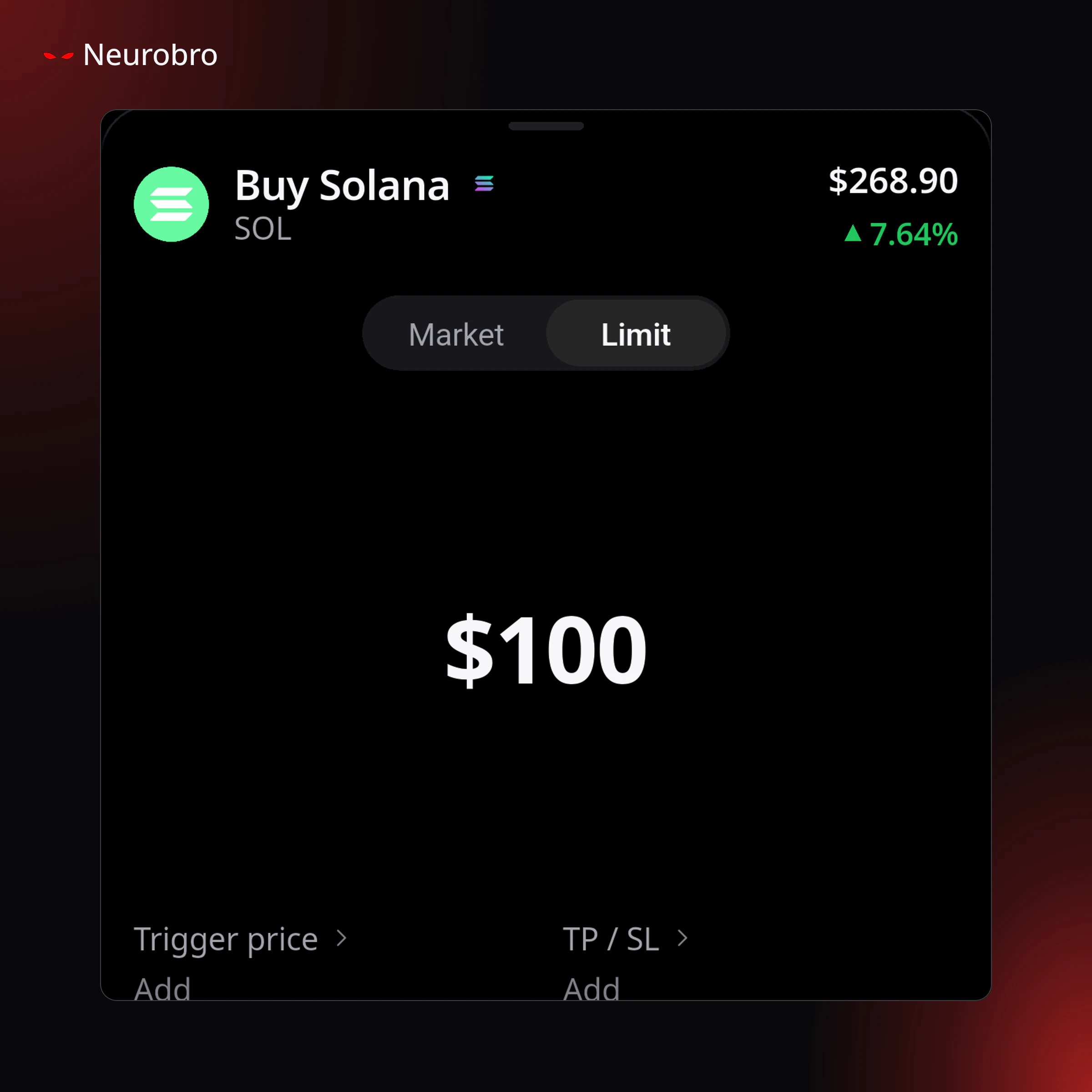
Choose your price, and your order waits until the market reaches it. To buy or sell this way, pick Limit on the trading screen. Limit orders fill through Jupiter and work for Solana tokens only, so native SOL, stocks, and other chains aren’t supported.- Minimum: $11 for an order, and $10 for each take-profit or stop-loss part.
- Expiry: choose 1, 7, or 30 days. If the market doesn’t reach your price by then, the order ends unfilled.
- Funding: a limit buy runs on Solana. If your cash is on another chain, the app moves it there first, and you may need a little SOL.
- Held funds: money in an open order shows as In orders, and you can’t spend it elsewhere while the order is open.
- Take-profit and stop-loss: add them when you place the order, or change them later.
- Canceling: you’ll find open orders with your holdings. Canceling has no Neurobro fee and returns the order’s funds, but it can need a little SOL for the network fee.
Discovering things to trade
Trending
What’s moving right now, ranked by real activity. Tokens with too little liquidity to buy are left out.
Crypto
Established assets by market cap, with stablecoins filtered out.
Stocks
Curated tokenized stocks, covered below.
Search
Find anything by name, ticker, or contract address.
Tokenized stocks
A tokenized stock tracks the price of a real company share or ETF. It isn’t the share itself: you’re buying a token from an independent issuer, so it carries no shareholder rights and no claim on the company. Tokenized stocks sit in their own tab and work like everything else in the wallet: buy, hold, sell, same cash, same fees. The list is curated and includes known issuers only. Tokenized stocks trade on Solana and Robinhood Chain.- Trading hours depend on the issuer. Some follow the live stock market sessions, some trade 24 hours a day five days a week, and some are always open. When a market is closed, the app says so and shows the next open time.
- Halted stocks show “Trading halted” and can’t be bought until trading resumes.
Tokenized stocks aren’t available in the United States or United Kingdom.