
Perps aren’t available in the United States or United Kingdom.
Getting started
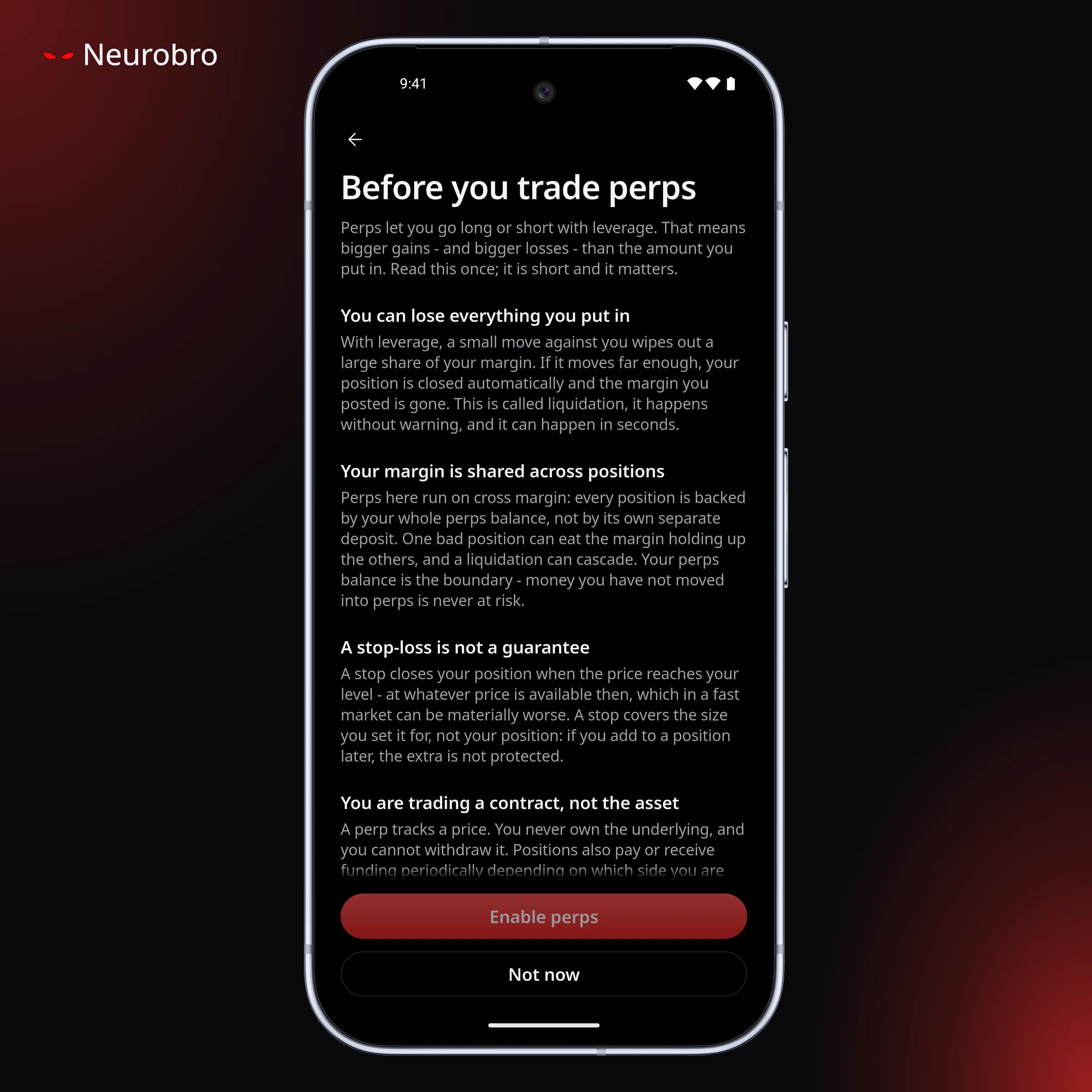
The first time, you read a short risk disclosure and confirm that you understand you can lose all the cash you move to perps. After your first deposit, you approve Neurobro’s builder fee once with a signature.Moving cash in and out
Perps cash sits on Hyperliquid, not on a wallet chain, so it’s held apart from your spot cash. Moving it is an explicit step: under Cash, choose Move cash, then To perps or Back to wallet.- Deposits go through Arbitrum. If your cash is on Base, Solana, BNB Chain, Robinhood Chain, or Arc, the app moves it to Arbitrum first. The cost is in the quote, and you may be asked to sign more than once.
- The 10 USDC minimum exists because Hyperliquid keeps any deposit under 5 USDC that reaches its bridge, so the app refuses amounts that could arrive below that.
- Withdrawals show the amount, the fee, and what you’ll receive before you confirm. At the 2 USDC minimum, the fee leaves you with 1 USDC.
Opening a position
Pick a market, choose long or short, and enter your margin in dollars. Your position size is margin times leverage.- Leverage starts at 2x. Each market has its own maximum, set by Hyperliquid, and it falls as positions get larger. The market page shows it along with the price and funding rate.
- Market orders fill straight away, at most 0.5% from the current price. If that isn’t possible, the order is canceled instead of filling at a bad price.
- Limit orders wait until the price reaches yours or you cancel.
- The minimum order is $10 of position size. Below that, increase the size or the leverage.
- Before you confirm, you see the liquidation price, margin, and leverage.
Margin
- Cross margin is the default: every position draws on your whole perps balance.
- Some markets require isolated margin, including many stocks and commodities. The app sets it for you, so you never have to choose. On an isolated position you can add margin (moving the liquidation price further away) or take spare margin back.
- On an open position you can raise leverage but not lower it, and you can’t switch between cross and isolated.
Take-profit and stop-loss
- Set them when you open a position, or add them later from the position.
- A take-profit or stop-loss added later covers a fixed size: the position as it is at that moment. If you add to the position afterwards, the extra isn’t covered, and the app warns you.
- A second one doesn’t replace the first, and the two work side by side.
- The trigger has to be on the right side of the current price.
- When triggered, it closes like any other close, so it can fill up to about 8% worse than the trigger price in a fast market.
Closing
Close all of a position or part of it (25%, 50%, 75%, or a custom size). Closing allows more room than opening. A close can fill up to about 8% from the current price, so you can still get out when prices move fast. Opening stays within 0.5%, so you don’t get in at a bad price. You can edit an open order’s price or reduce its size. To make it bigger, cancel it and place a new one. Orders with a take-profit or stop-loss can only be canceled. If an edit fails, the old order can be gone with nothing in its place, so check your open orders.Liquidation, margin warnings, and funding
If the price reaches your liquidation price, Hyperliquid closes the position and its margin is lost. Under cross margin, a losing position can use up the margin of your other positions too. Markets on Hyperliquid can be thin, and thin markets have been manipulated in ways that drive other users into liquidation. Each position shows how much of its margin cushion is left. It turns to a warning at 35% or less and critical at 15% or less, and you get a notification when a position reaches each level. Funding is paid or received every hour, based on which side of the market you’re on. When you’re paying it, funding reduces your return for as long as you hold the position, whatever the price does. The market page shows the current rate and the next funding time. Funding payments aren’t listed one by one in your history.Notifications
You’re notified when perps cash arrives, when a take-profit or stop-loss fills, and when a position reaches a margin warning. Ordinary order fills don’t send a notification, though Neurobro Web shows a brief message when a limit order fills.History
See your positions, orders, individual fills, and every transfer in or out. An order is what you asked for. A fill is what actually happened, with the real price and time.Why a perps order can be refused
- The market is full (it has hit its open-interest limit). Closing is still allowed.
- The market is delisted or not trading. Hyperliquid can reject, halt, cap, or delist any market at any time.
- Not enough margin for the order.
- The price moved too far from the market. Try again.
- Leverage above the market’s maximum (the app shows the maximum).
- You’re in a region where perps aren’t offered.