
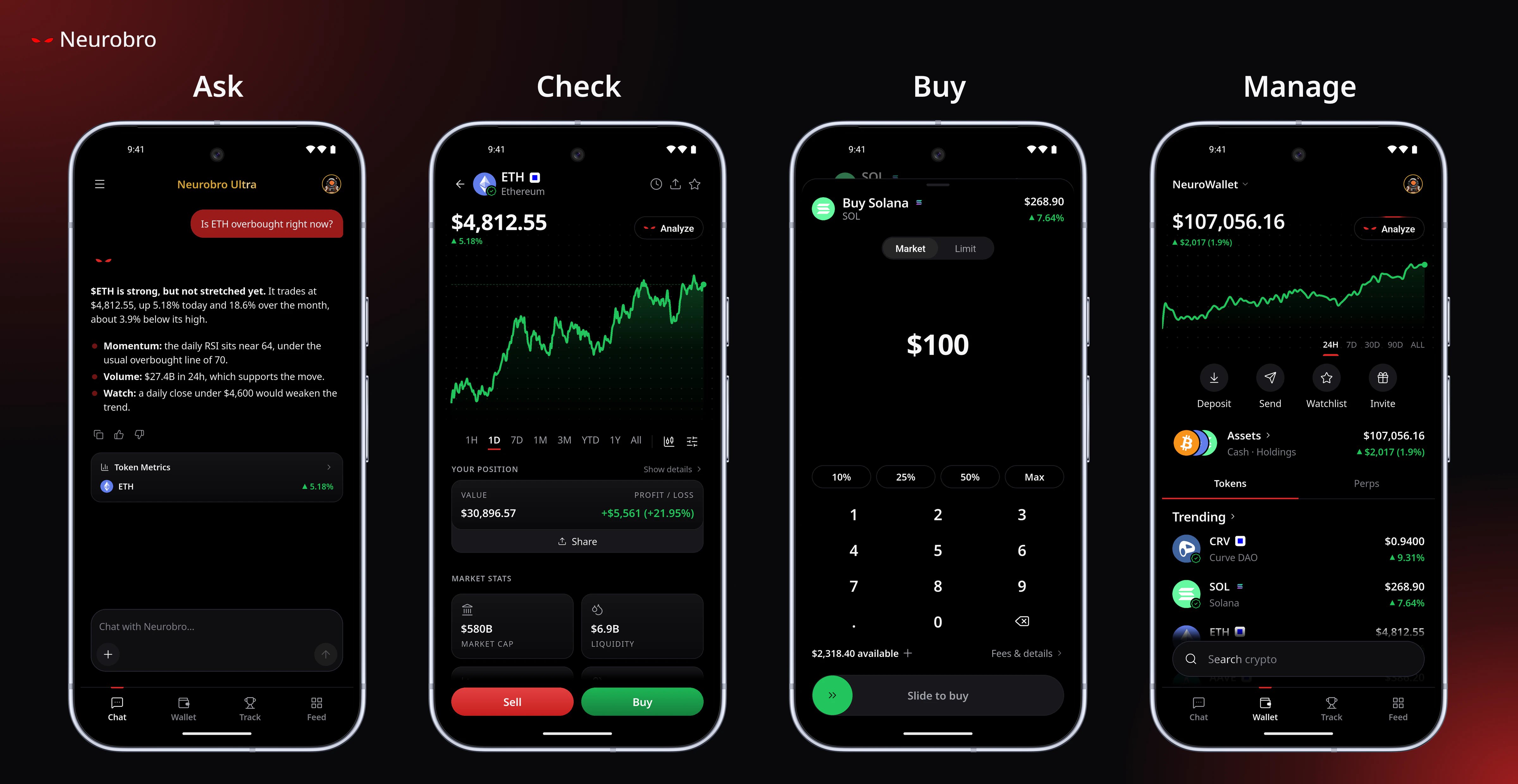
Neurobro Mobile and Neurobro Web
Both use the same agent, wallet, and plan, tied to your Neurobro Pass, so a chat you start on one continues on the other. What differs:- Neurobro Web only: the full trading view and exporting your private keys.
- Neurobro Mobile only: the swipeable news feed, guest mode, app lock, and Withdrawal Lock.
1. Ask
Open Chat and ask the agent about crypto, stocks, forex, commodities, or prediction markets, in plain words. “Is ETH overbought right now?” “What moved gold today?” You get an answer in seconds, with the numbers behind it. You can attach a screenshot of a chart and ask what it shows. Ask for a trade setup and you get entry, exit, stop-loss, take-profit, and risk-to-reward levels. You can switch between Conservative, Moderate, and Aggressive risk profiles.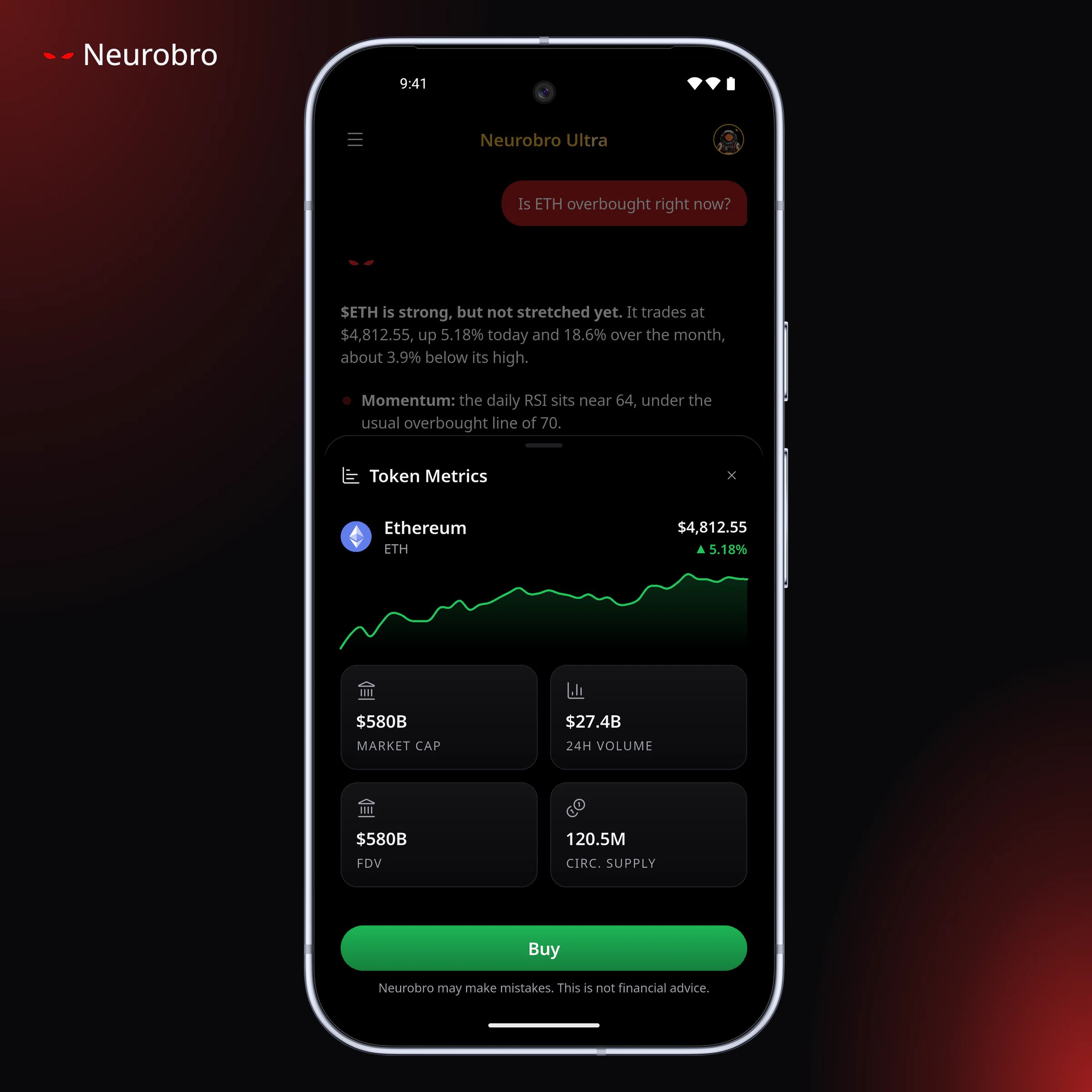
2. Check
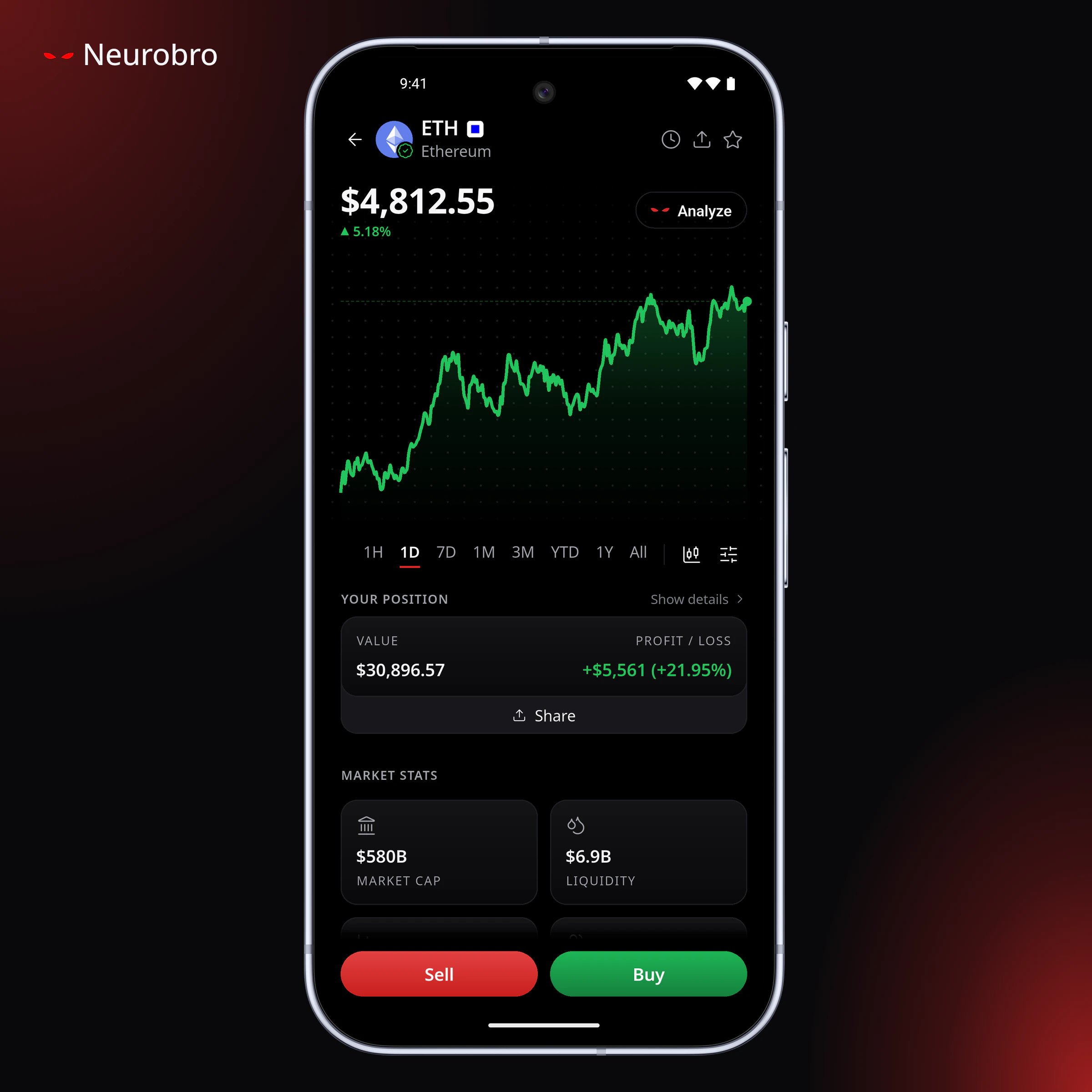
Before you buy, check three places:- The token page has the live chart and key numbers.
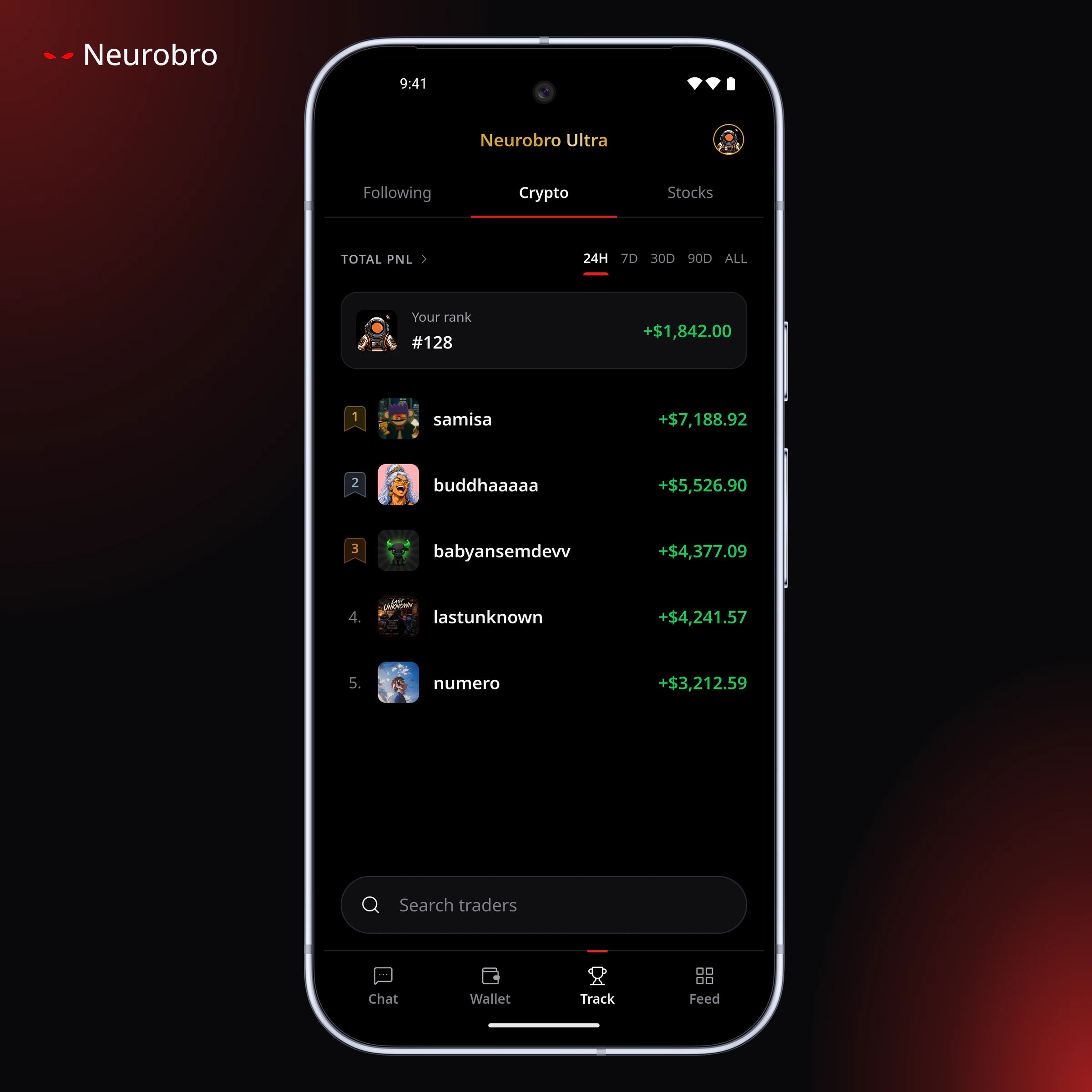
- Track shows what top traders hold and buy. Open a trader to see their trades and results, or follow one to get notified when they trade.
- Feed collects news and signals. On Neurobro Mobile, swipe to like or dismiss a story, and the feed shifts toward the assets and themes you read.
3. Buy
Buying happens in NeuroWallet, the wallet built into the app. Each buy is screened for known traps first, and you see the price and fee before you confirm. You don’t pick a chain: a purchase funds itself from wherever your cash is.
Tokenized stocks and perps aren’t offered in the United States or United Kingdom. First time? The Quickstart takes you through it.
4. Manage
Your holdings and cash are in Wallet (Portfolio on Neurobro Web). Sell from there, and the money comes back as cash. Notifications keep you posted on your positions and transactions. Connections also shows balances you hold on outside exchanges and wallets, read-only.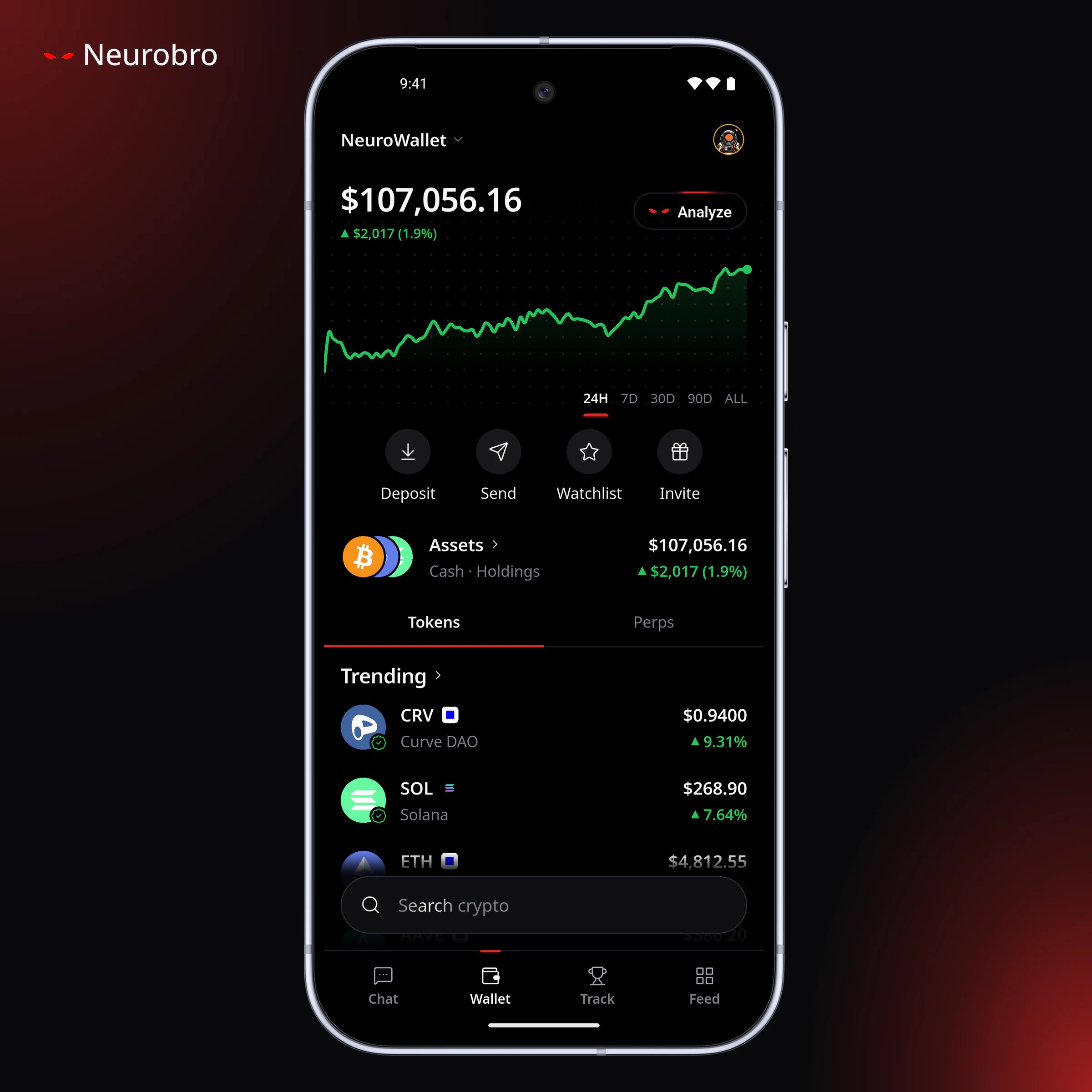
Three things to know
What does it cost?
What does it cost?
Who can touch my money?
Who can touch my money?
You sign trades and withdrawals on your device with your own key, so Neurobro can’t move or freeze your funds. Nobody can reverse a transfer to the wrong address either.
What can I lose?
What can I lose?
All of it. A token can go to zero, and a perps position can be closed automatically at a loss. Neurobro’s answers can also be wrong, and they aren’t financial advice.
Your use of Neurobro is governed by the Terms of Use and Privacy Policy.